-
Spec Sheet
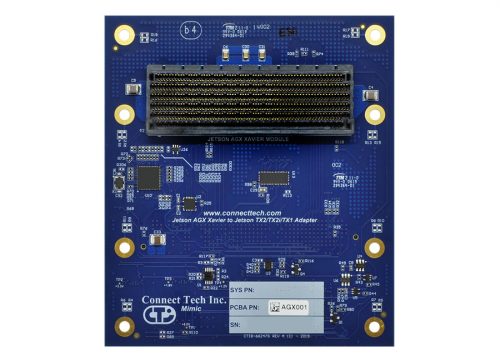
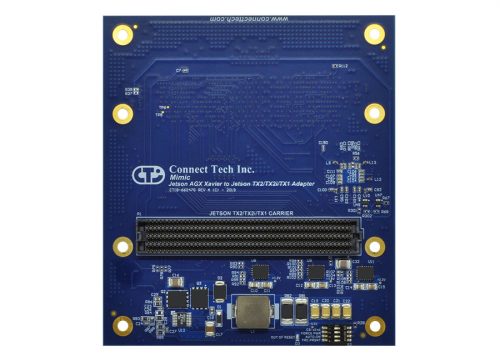 The Mimic Adapter from Connect Tech allows the NVIDIA® Jetson AGX Xavier™ module to be installed onto an NVIDIA Jetson TX2/TX2i carrier. The Mimic Adapter is ideal for NVIDIA Jetson users who want to easily compare performance metrics between their existing TX2/TX2i designs to the new Jetson AGX Xavier. Mimic Adapter allows users to immediately gain access to Jetson AGX Xavier's impressive 20x compute performance increase and 10x energy efficiency improvement from the Jetson TX2. This enables a giant leap forward in capabilities for autonomous machines and edge devices.
 -
Spec Sheet
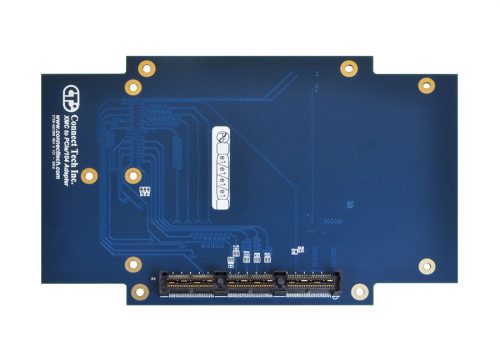
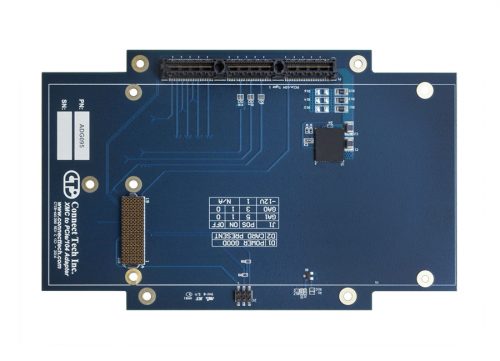 Connect Tech’s XMC to PCIe/104 Adapter Board is an engineering tool for the purpose of enabling rapid development of systems requiring the use of next generation form factor peripheral cards. This adapter supports adding VITA 42 XMC cards to a Type 1 PCIe/104 system.
 -
Spec Sheet
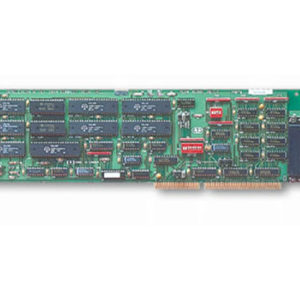 The Intellicon/ISA adapter offers a reliable connectivity solution for modems, printers, barcode readers and other equipment used in industrial and office automation. Intellicon adapters are ideal solutions for multi-tasking real-time environments requiring multi-channel data collection, distribution and processing. Its intelligent communications processor offloads the burden of managing communications from the main CPU. The result is efficient I/O communications and better processing performance for the host system.
 -
Spec Sheet
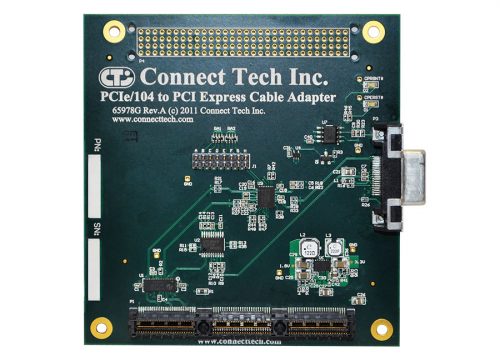 Connect Tech’s PCIe/104 to PCI Express Cable Adapter provides an interface from the PCIe/104 (PCI/104-Express) bus to a PCI Express cable connection. The adapter is completely transparent to the PCI Express bus and allows the use of a PCI Express device outside of the PCI/104-Express system stack.
 -
Spec Sheet
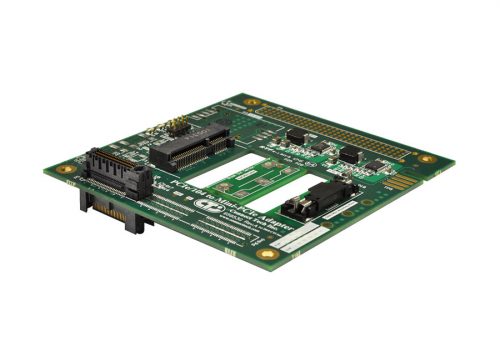
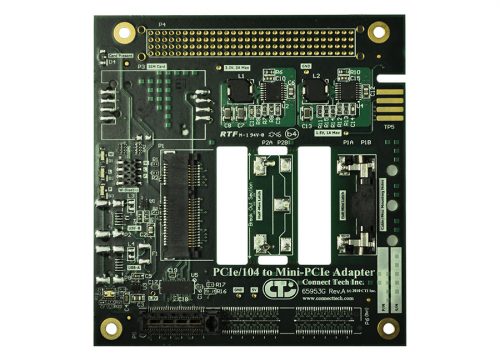 Connect Tech’s PCIe/104 to Single/Dual Mini-PCIe Card Adapters easily enable integration of a Mini-PCIe (PCI Express Mini) card into a PCIe/104 or PC/104-Express system. Expand the Capabilities of an Existing PCIe/104 or PC/104-Express System PCIe/104 to Single/Dual Mini-PCIe Card Adapters are fully compatible with any Mini-PCIe peripheral, expanding the capabilities of an existing PCIe/104 or PC/104-Express system. Add features such as WiFi, GPS, Bluetooth, storage and broadband communications.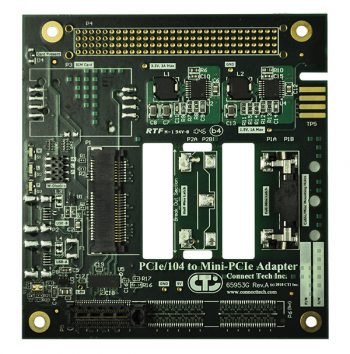
Part #: ADG028
PCIe/104 to Dual Mini-PCIe Card Adapter
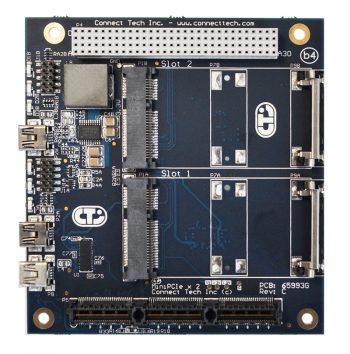
Part #: ADG044
-
Spec Sheet
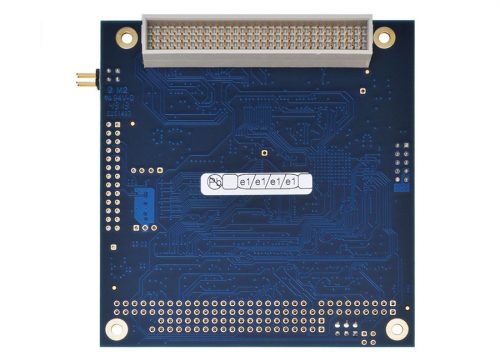
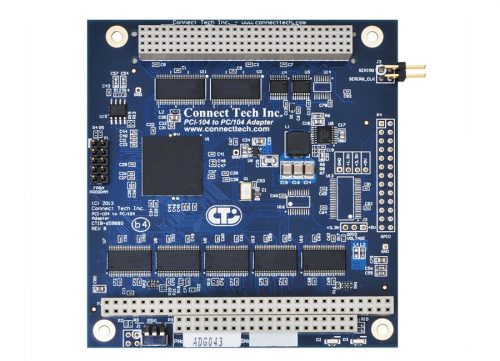 Connect Tech’s PCI-104 to PC/104 Adapter allows for the testing and development of PC/104 (ISA) devices in a PCI-104 (PCI) only system. The PCI-104 to PC/104 Adapter converts transactions on the PCI-104 bus to PC/104 bus transactions (PCI to ISA).
 -
Spec Sheet
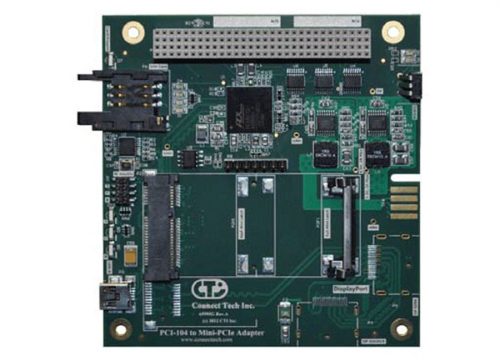 Connect Tech’s PCI-104 to Mini-PCIe Card Adapter easily enables integration of a Mini-PCIe (PCI Express Mini) card into a PCI-104 system. The PCI-104 to Mini-PCIe Card Adapter is fully compatible with any Mini-PCIe peripheral, expanding the capabilities of an existing PCI-104 system. Add features such as WiFi, GPS, Bluetooth, storage and broadband communications. The Mini-PCIe Card Adapter can also support optional Mini-PCIe features such as USB and SIM Card usage for WLAN applications.
 -
Spec Sheet
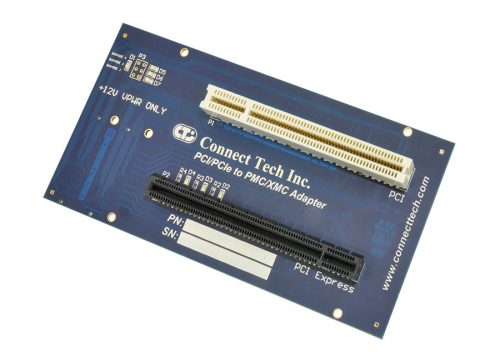
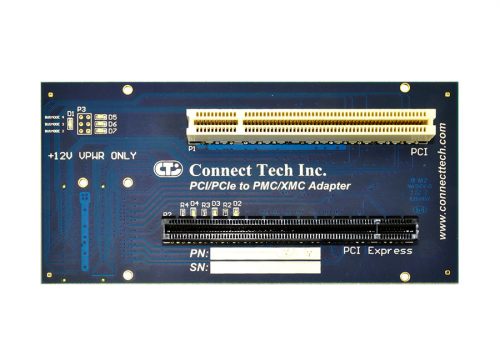 Connect Tech’s PCI/PCIe to PMC/XMC Adapter enables users to link a standard PCIe card to a XMC Carrier, or a standard PCI card to a PMC Carrier. The ADG052 is transparent to the PMC/XMC Carrier system and allows for communication, testing, and/or debugging of the Carrier. The ability to test both PCI and PCIe cards, without additional setup or software, enables easy PCI to PMC or PCIe to XMC design development. Standard Usage Guide For standard usage of the ADG052, simply insert into a PMC/XMC Carrier. Connect the desired PCI or PCIe cards into the Adapter. The LEDs on the Adapter serve a few purposes: D1: Busmode 1 D2: XMC GA2 D3: XMC GA1 D4: XMC GA0 D5: Busmode 4 D6: Busmode 3 D7: Busmode 2 For assembly, ensure that proper Electro Static Discharge (ESD) practices are followed.
 -
Spec Sheet
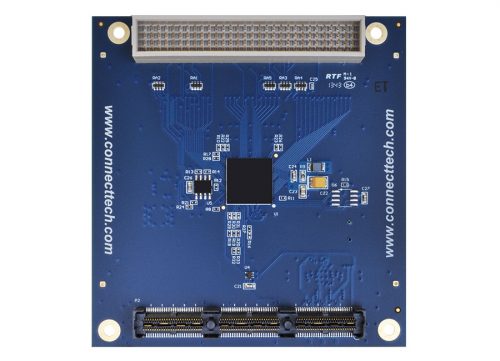
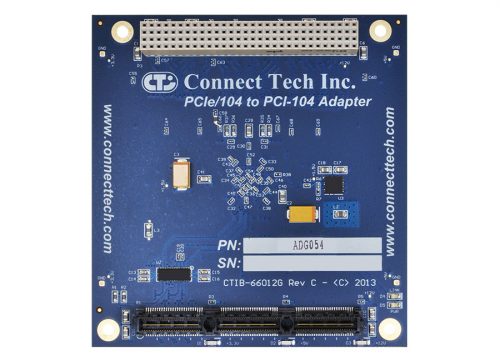 Expand the capabilities of your PCIe/104 systems, by incorporating PCI-104 cards into your stack. Connect Tech’s PCIe/104 to PCI-104 Adapter enables users to add four PCI-104 compatible boards into either a stack up or stack down configuration. With a full PCIe/104 pass-through, the use of PCI/104 - Express cards is also possible. The Adapter also accesses the PCIe x1 Bank, leaving the x16 Bank open for more intensive operations. Standard Usage Guide For standard usage of the ADG054, simply insert into a host system’s PCIe/104 slot. Connect the desired PCI-104 or PCI/104-Express cards to the Adapter. Remember to set the unique ID for each of the selected cards and that no two boards share the same unique ID. The LEDs on the Adapter indicate three important things. Each of the three blue LEDs represent a power rail that is part of the PCIe/104 stack. The Red PWR LED displays that the on board PLX8112 chip is being properly powered. Finally, the Red LINK LED displays that the board has successfully connected on the PCIe Lane. For stack assembly, ensure that proper Electro Static Discharge (ESD) practices are followed.
 -
Spec Sheet
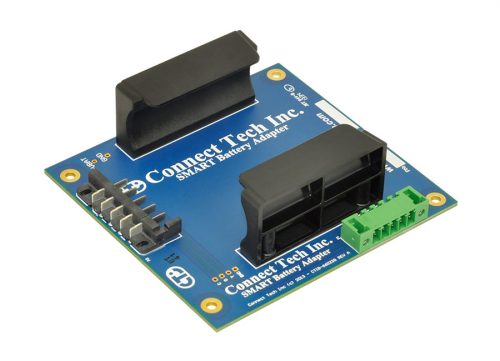
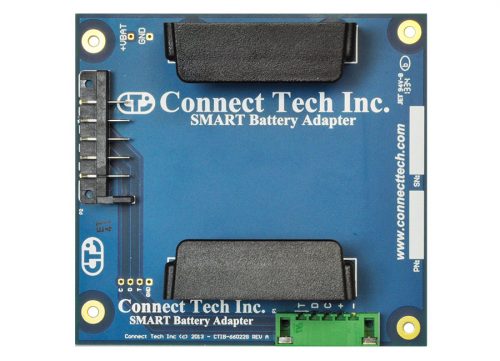 Connect Tech’s Smart Battery Adapter allows for easy integration of a SMART battery into an existing PC/104 system. Used in combination with the Xtreme/PSU-UPS power supply, it provides a complete Power Supply solution with uninterrupted power supply and battery backup functionality.
 -
Spec Sheet
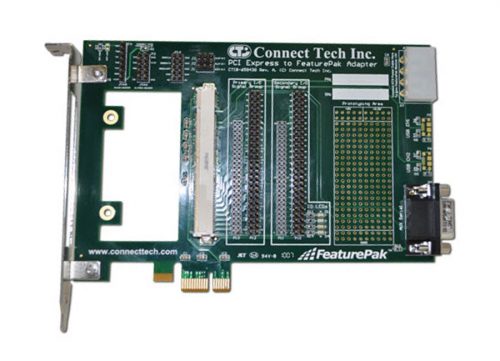 Connect Tech’s PCI Express to FeaturePak Adapter board allows users to install a FeaturePak module into any PCI Express system slot. This adapter allows for easy development, debugging, and prototyping directly on the adapter and it brings out all of the FeaturePak IO signals to separate headers and connectors, as well as giving the user access to all of the critical additional FeaturePak signals.
 -
Spec Sheet
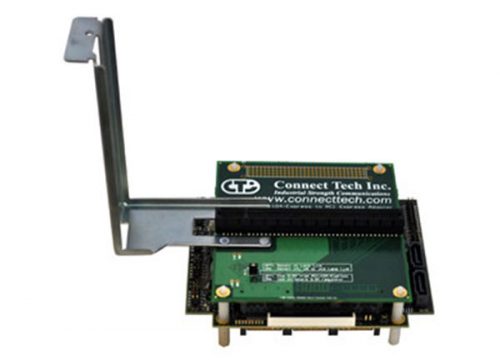 Connect Tech's PCIe/104 to PCI Express Top Stacking adapter allows users to install any x1, x4, x8 or x16 lane PCI Express card into a PCIe/104 or PCI/104-Express stack up configuration. This convenient adapter board enables the testing and development for standard PCI Express cards in the PCIe/104 or PCI/104-Express environment. Standard Usage This adapter supports any x1, x4, x8 or x16 lane PCI Express add-in card. Simply mount the add-in card to the adapter and install the adapter on the top of a PCIe/104 or PCI/104-Express stack. Once everything is connected, you may begin using the add-in card just as you would any other PCI/104-Express add-in card. No additional configuration is required. Click here to view a list of compatible CPU boards with this adapter.
 -
Spec Sheet
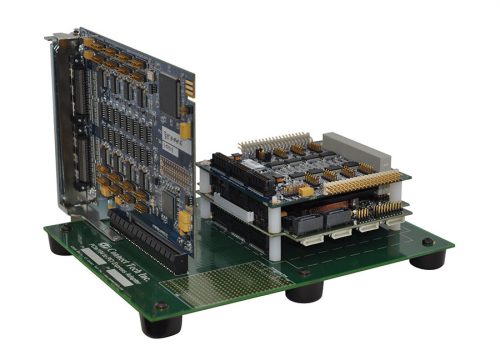 Connect Tech's PCIe/104 to PCI Express Bottom Stacking adapter allows users to install any x1, x4, x8 or x16 lane PCI Express card into a PCIe/104 or PCI/104-Express stack down configuration. This convenient adapter board enables the testing and development for standard PCI Express cards in the PCIe/104 or PCI/104-Express environment. Standard Usage This adapter supports any x1, x4, x8 or x16 lane PCI Express add-in card. Simply mount the PCI Express stack to the adapter and install the PCI Express card into the slot. Once everything is connected, you may begin using the add-in card just as you would any other PCI/104-Express add-in card. No additional configuration is required. Click here to view a list of compatible CPU boards with this adapter. ***An ADG021 variant is now available to better support additional user configurations, specifically those who have one or more peripheral card installed between the SBC and adaptor. You may continue to use the ADG021 with all x1, x4, x8 and x16 PCIe cards, provided no PCIe/104 cards are inserted between the SBC and adaptor. For customers requiring one or more x1 PCIe/104 cards between the SBC and the PCIe/104 to PCIe adapter, but who are using ONLY x1 cards in the adaptor, the correct part number is ADG055. The ADG055 does not support x4, x8 or x16 PCIe cards except when they are able to function as an x1 card. Customers using PCIe/104 cards between the SBC and adaptor with only x4, x8 or x16 PCIe cards should continue to use the ADG021.***
 -
Spec Sheet
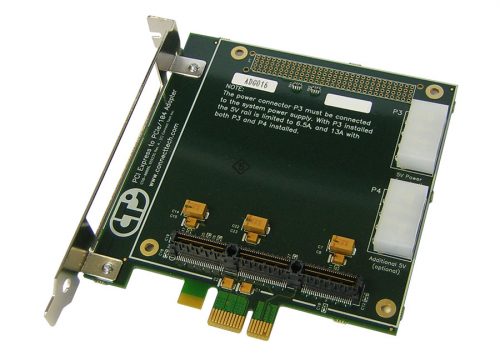
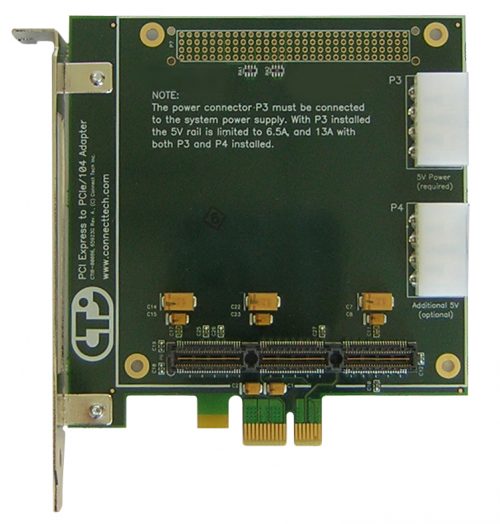 This convenient adapter board allows users to install a PCIe/104 card into a standard PCI Express system slot. Standard Usage This adapter supports any x1 lane PCIe/104 add-in card. Simply mount the add-in card to the adapter and install the adapter in a PCI Express slot. Most PCIe/104 cards will require the connection of an IDE power cable to the P3 connector on the card. This cable provides the 5V rail to the add-in card. Once everything is connected, you may begin using the add-in card just as you would any other PCI Express add-in card. No additional configuration is required.
 -
Spec Sheet
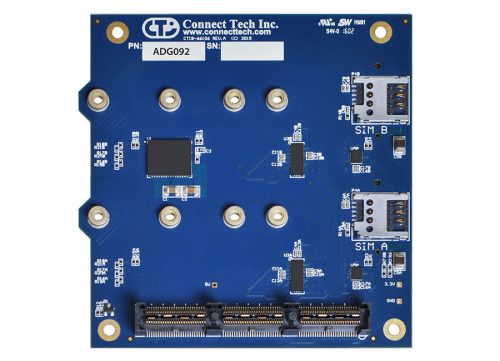
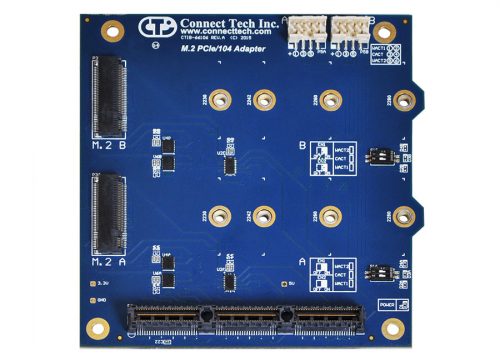 Connect Tech’s PCIe/104 to M.2 Adapter allows for the implementation of two M.2 next generation form factor expansion slots. Supported cards are, based on configuration, B, B&M, E, and A&E key type.
 -
Spec Sheet
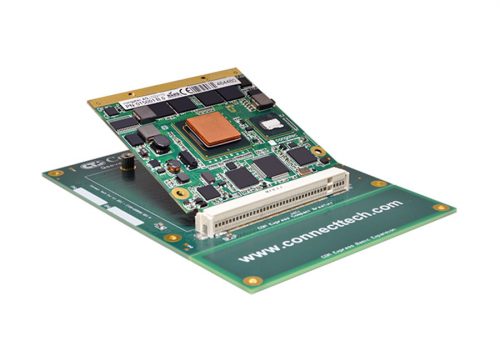
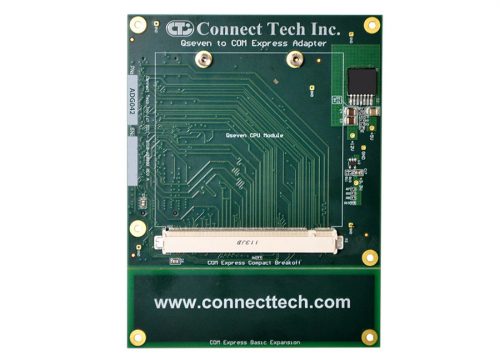 Connect Tech’s Qseven to COM Express® Adapter allows users to install a Qseven module into any COM Express® Carrier Board. The Qseven to COM Express® Adapter is transparent to the system, and allows the Qseven module to be added to the COM Express® system without additional setup or software. Users can easily evaluate and integrate the latest generation of low powered Qseven CPU modules in a custom COM Express® carrier. The Qseven to COM Express® Adapter can be used for evaluation or field deployment, and allows users systems to transition to Qseven without any respin of their COM Express® Carrier.
